


 FrogPlay
In order to make your I am Learning experience easier, here's part two of our 'How To' guides. This time: Unlocking games!
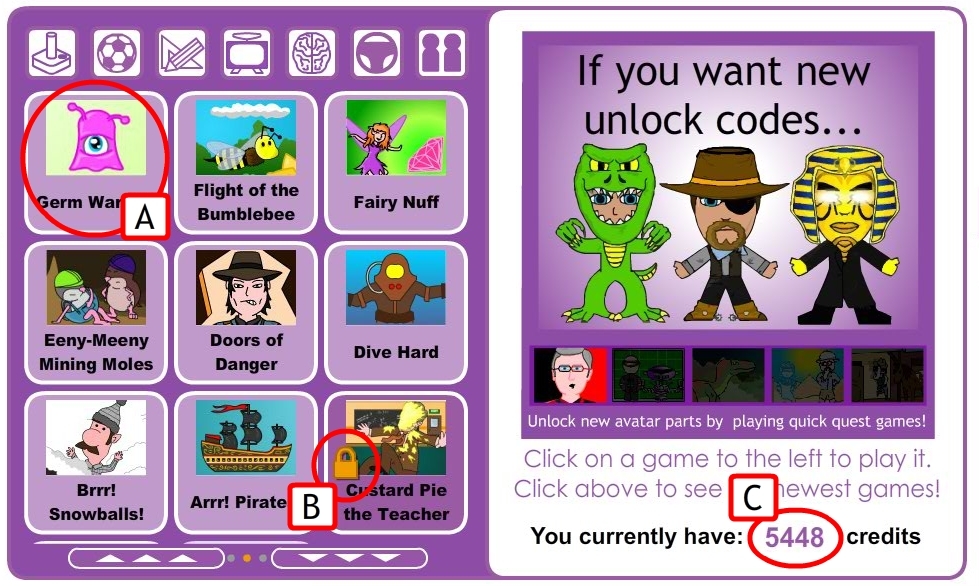
Here is the Game Chooser screen. The games on the left (A) are the ones you've currently unlocked. A game with a padlock icon (B) means it is locked. The amount of credits you have are displayed on the right (C). A game costs 200 credits to unlock.
---
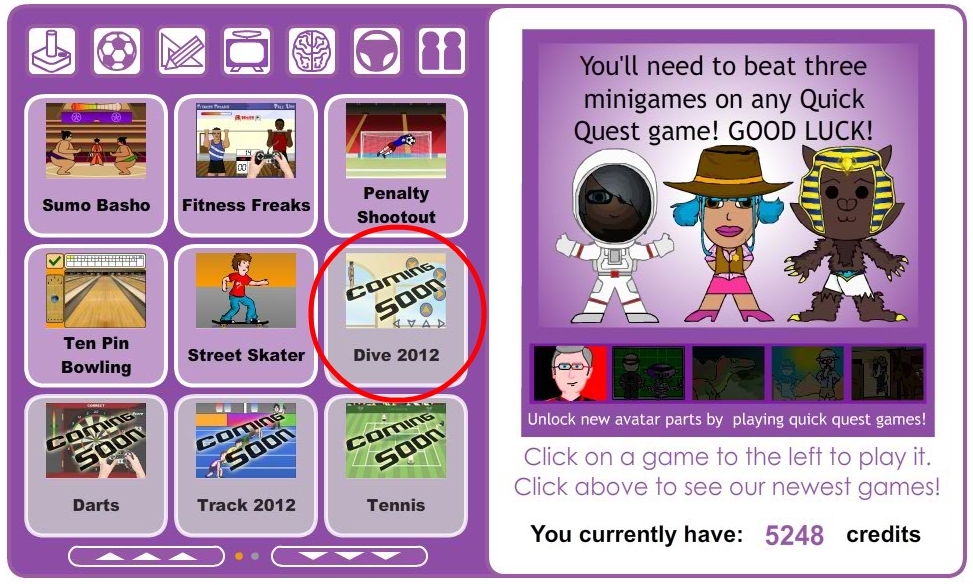
A game that says 'COMING SOON' is currently unavailable. Keep checking back, new games are being added all the time!
---
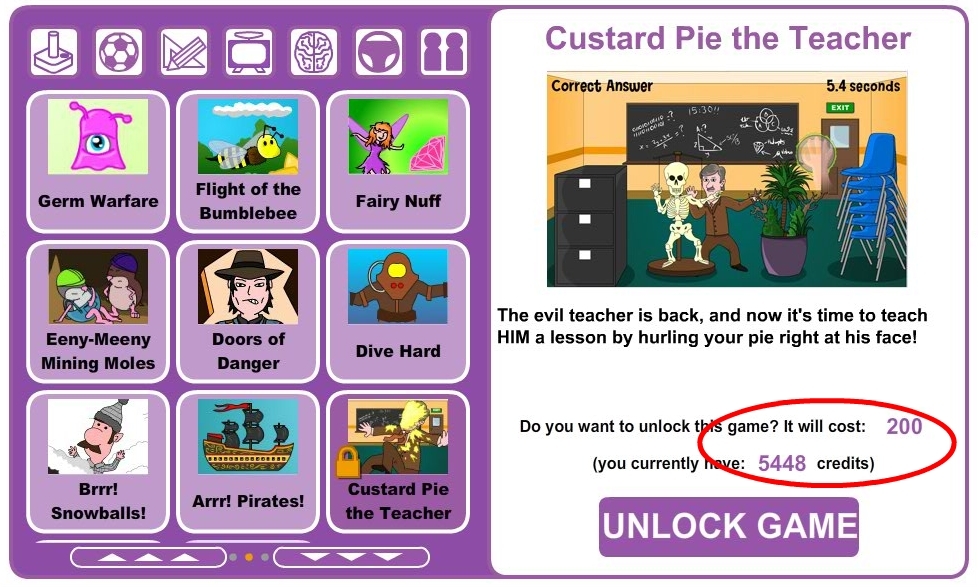
If you click on a locked game, this screen will appear. You will be shown a breif description of the game and a screenshot. If it looks like a game that appeals to you, and you have enough credits to unlock it, click the
'UNLOCK GAME' button.
---
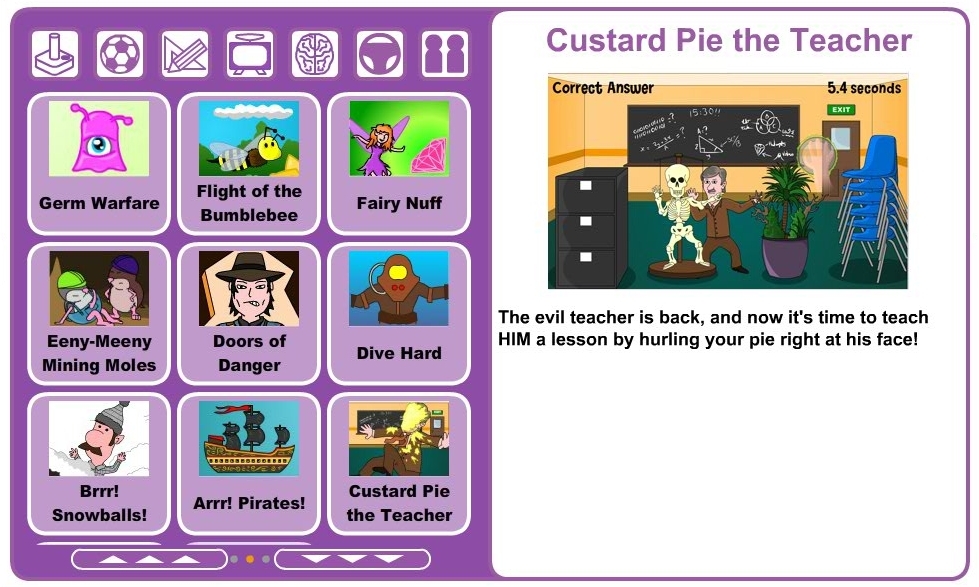
The game will then be added to your unlocked collection. You can play it right away by simply clicking on it's icon on the left. That's it. Have fun!